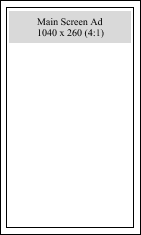
Main Screen
Guest browsing drinks
Formats: Static + Video
Goal: Brand recall and menu-adjacent attention
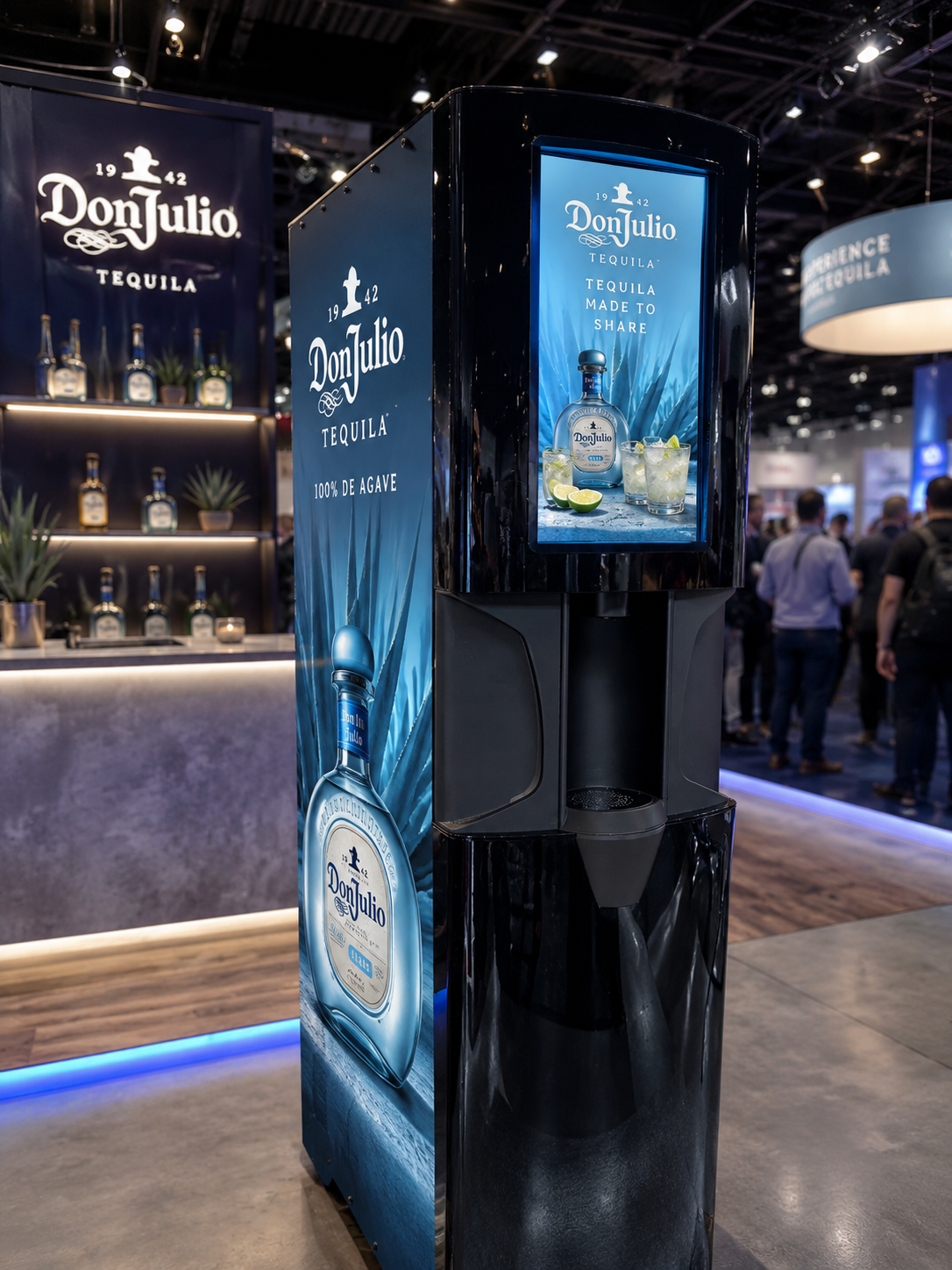
Ad Studio
Launch custom static and video advertising on Sylf dispensers across main screen browsing, pour flow interaction, and idle display loops.
Ad Inventory
Guest browsing drinks
Formats: Static + Video
Goal: Brand recall and menu-adjacent attention
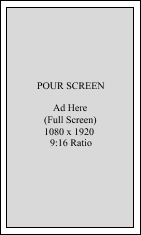
Guest actively pouring
Formats: Static + Video
Goal: High-attention brand exposure
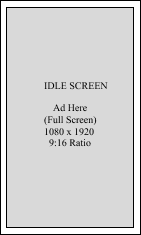
Between transactions
Formats: Static + Video loop
Goal: Additional impressions throughout service
Creative & Targeting
Brands can upload assets, assign placements, target locations, and manage active runs without relying on static media buys.
Upload your own static image ads
Upload your own short-form video ads
Assign creative by placement type
Target by location and venue profile
Schedule by daypart and campaign window
Manage campaigns from one Ad Studio account
Launch Process
Set up an advertiser account and start building campaigns in Ad Studio.
Add static image and video creatives for main screen, pour moment, and idle placements.
Choose where and when your ads run based on campaign objectives and audience fit.
Go live, monitor delivery, and iterate creative across the Sylf dispenser network.
Ad Studio Access
Create an advertiser account and upload your campaign creatives, or sign in to manage active dispenser ad placements.
Advertising Inquiry
Submit your contact details and advertising content request. Our team will follow up shortly.